For cloud kitchens
Cloud kitchen inspection software for consistent preparation.
Connect pre-service checks, cleaning records and kitchen follow-up across brands and locations. Give each shift clear routines and central operations the evidence behind them.
Connected modules
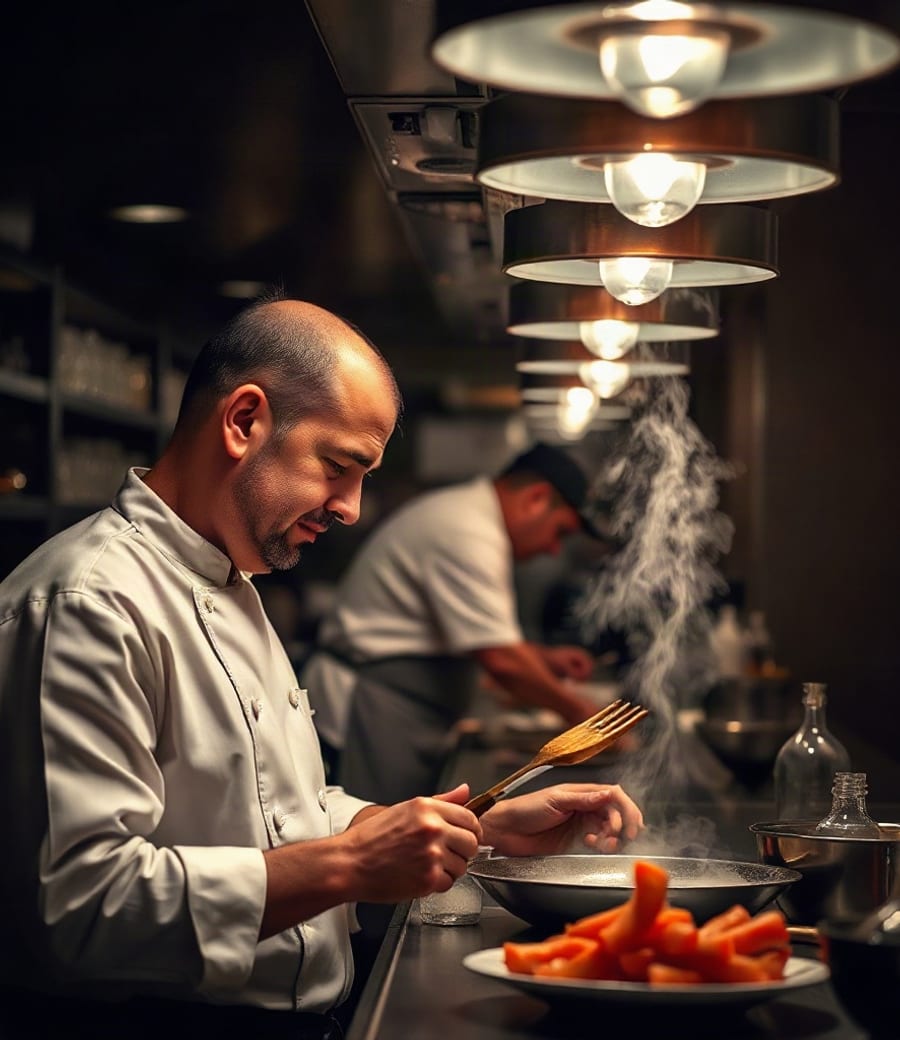 Pre-service · Preparation area
Kitchen pre-service check
HQ-deployed kitchen routines
Less switching. More doing.
Keep every kitchen handover out of scattered chats.
Bring shift checklists, preparation-area findings and action updates into one record so incoming teams know what is ready and what needs follow-up.
Paper checklists
WhatsApp follow-ups
Excel trackers
Separate ticketing
Email chains
The Pulse platform
Keep kitchen operators and central teams aligned.
Review opening checks, hygiene records and outstanding corrections across kitchens. Keep the evidence with the location and shift that recorded it, even as teams and brands change.
Keep working offline
Complete inspections and capture evidence where connectivity is unreliable. Records sync when the connection returns.
Keep the proof with the work
Connect photos, timestamps and location details to the check, finding and corrective action they support.
Shift activity
Core module · Inspections
Use the same preparation standards in every kitchen.
Digitize pre-service checks, storage checks and cleaning rounds using your approved templates. Capture readings and photos during the shift and assign any required follow-up.
HQ-deployed kitchen routines
Run consistent opening, mid-service and closing checklists across every kitchen with photos and timestamps.
Food safety evidence in one place
Keep temperature logs, surface cleaning and personal hygiene checks available to the local manager and central quality team.
Pre-service · Preparation area
Kitchen pre-service check
Are preparation surfaces cleaned and ready for service?
Check recorded. Continue to the next item.
Core module · Issue resolution
Keep a kitchen fault visible between shifts.
Report equipment faults, preparation-area cleaning gaps and storage findings with their location and evidence. Assign kitchen operations and retain the response through review.
Clear ownership and a next step
Set the priority, due date and responsible team. Keep updates in the same record instead of chasing separate conversations.
Closure backed by evidence
Keep notes, resolution evidence and supervisor review together. Escalate overdue work according to the rules you set.
High priority
Preparation-area cleaning follow-up
A preparation station needs cleaning verification before service. Photo attached for the kitchen lead.
Team supervisorThe responsible team has been notified and the finding assigned for follow-up.
Core module · Learning
Help every shift follow the approved preparation process.
Assign brand preparation standards, opening procedures and cross-contact prevention learning by role or kitchen. Track completion when new teams join or procedures change.
See which teams have completed the preparation learning.
Use course completion and knowledge checks to follow up when preparation or hygiene findings recur.
Explore trainingCentral Delivery Kitchen
Your learning
Confirm understanding before completion.
From the line to leadership
Find the kitchens that need operational follow-up.
Compare inspection completion, repeated hygiene findings and corrective-action status across locations. Keep the underlying shift records available for review.
Compare locations, teams and check types
Review kitchen pre-service check results alongside your other checks without piecing together separate spreadsheets.
Prepare for review with a connected record
Retrieve inspection results, notes, assigned actions and closure evidence from one traceable record.
Inspection completion
Corrective-action follow-through
Pulse AI
Turn kitchen findings
into clearer follow-up.
Help teams describe observations and review preparation-area images against their standards. Staff verify suggested findings before deciding on corrective work.
Suggested observations
Review preparation station against your standard
Review surface cleanliness against your standard
Review food handling against your standard
Review equipment condition against your standard
Verify the findings
Suggested observations
Review preparation station against your standard
Review surface cleanliness against your standard
Review food handling against your standard
Review equipment condition against your standard
Verify the findings
Built for the whole operation
Carry your kitchen procedures across brands and locations.
IT & security
Manage access by role, review SSO options and keep operational records under your organization's controls.
Explore securityIntegrations
Connect operational data to your existing systems through APIs. Plan the right integration for your ERP or reporting workflow.
Explore integrationsEnterprise rollout
Start with one team or location. Configure your workflows, bring users on board and expand the same standards across your network.
Plan your rolloutCloud Kitchens operations questions
Can each kitchen use the approved checklist for its brands?
+
Configure inspection templates around the preparation, cleaning and service procedures each team needs to follow.
How do we retain cleaning findings across kitchen shifts?
+
Keep the finding, evidence, responsible team and action status together so the next team can review the same record.
Can cloud kitchen checks include recorded storage temperatures?
+
Add temperature fields to your checklists and retain the recorded readings alongside the inspection evidence.
Can central operations compare findings across delivery kitchens?
+
Review completion, recurring findings and corrective-action status across kitchen locations.
How do we track preparation-procedure learning for kitchen teams?
+
Assign relevant learning by role or kitchen and review completion and knowledge checks.
One connected operation
Bring a pre-service kitchen check into PULSE.
Share an opening checklist or a recurring preparation-area issue. We’ll show how checks, kitchen actions and team training stay connected.


